A fast, native Windows disk cleanup app that shows where storage went and helps reclaim it safely. Storix combines an interactive folder explorer, a sortable biggest-files view, system storage breakdowns, grouped cleanup recommendations, and installed-app management in one lightweight Rust desktop app.
RustRune

key features
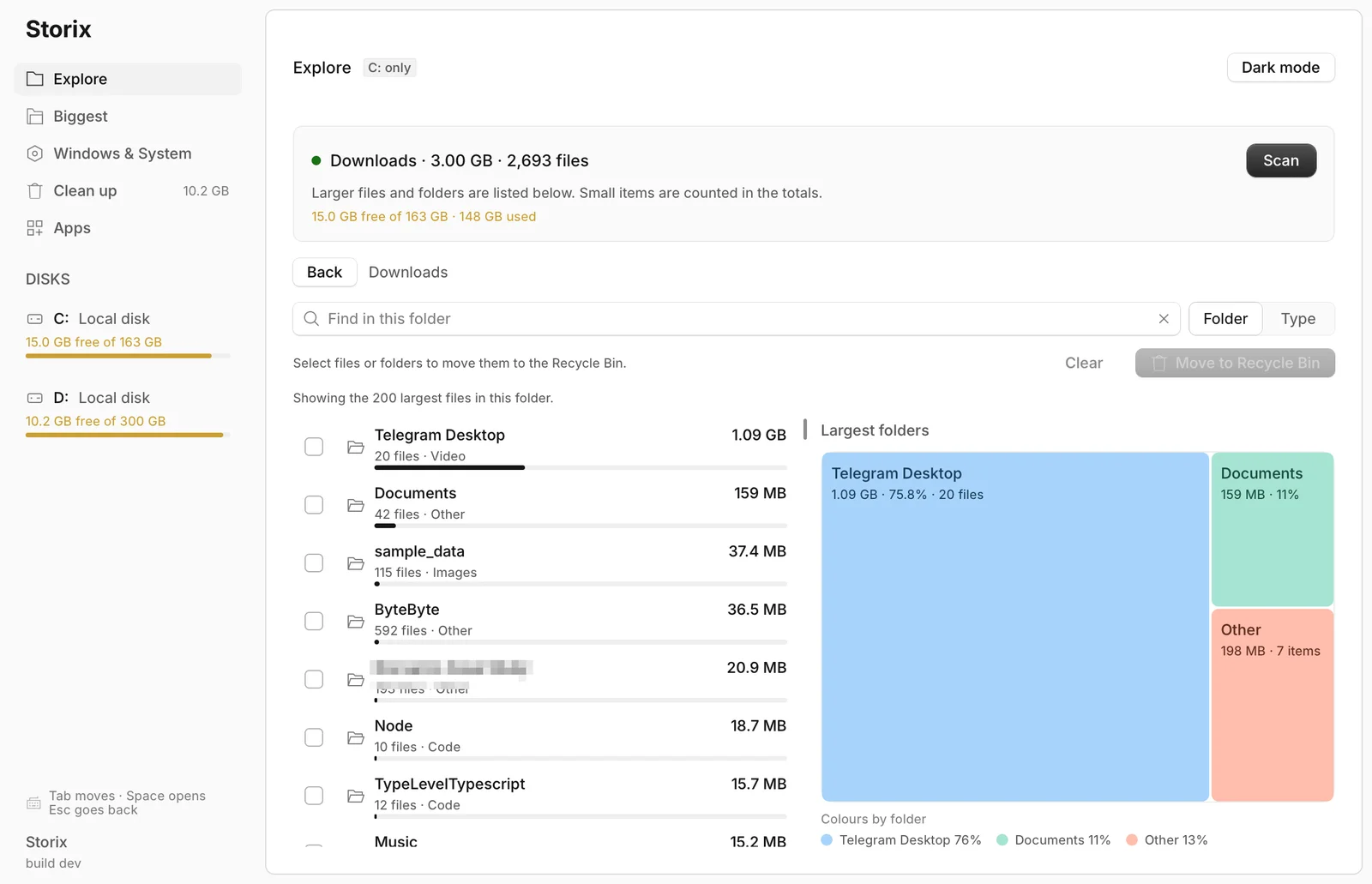
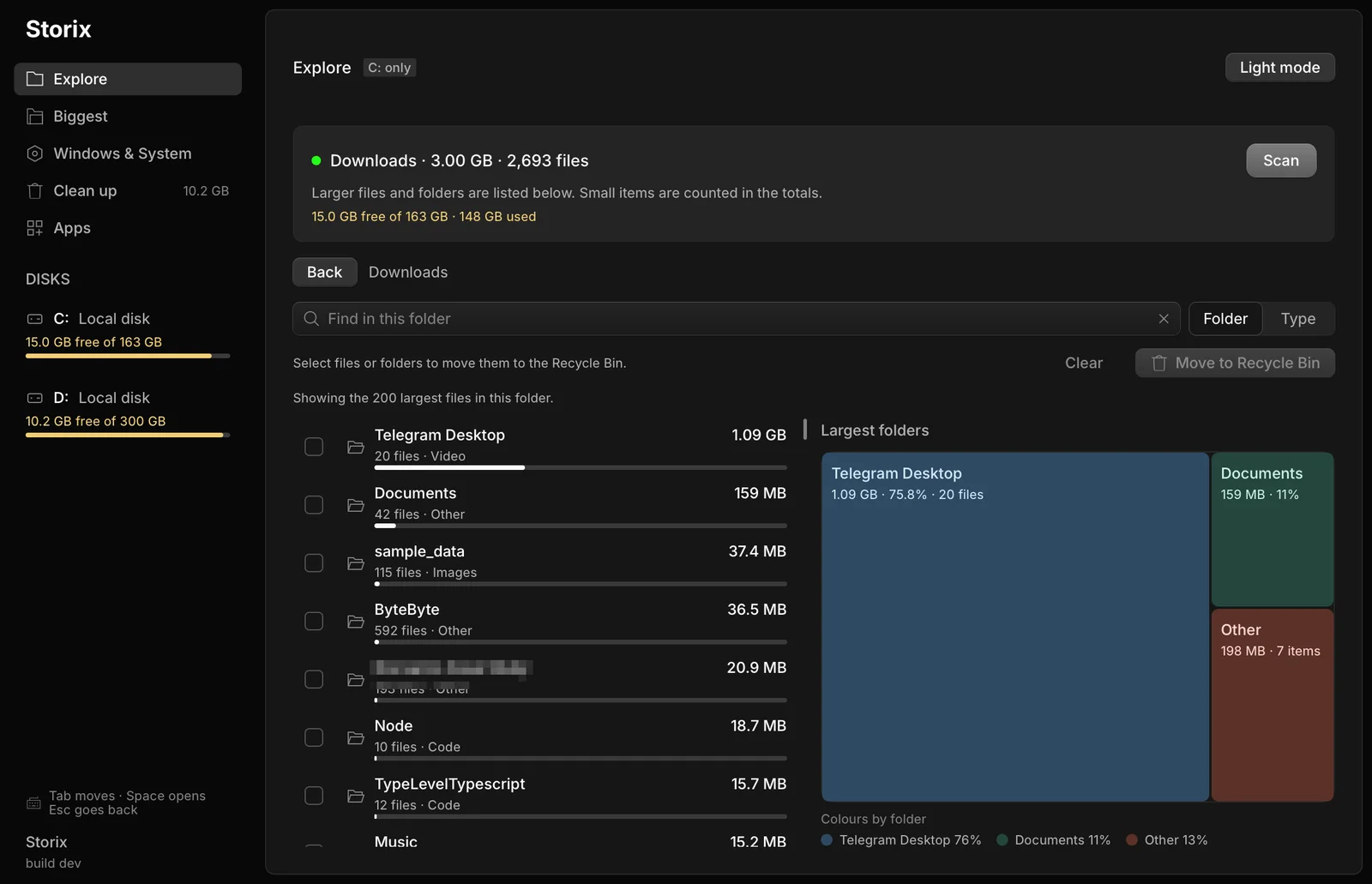
- Interactive Drive Explorer: Browse folders with measured sizes, file counts, category labels, search, and a color-coded treemap that makes large directories obvious at a glance.
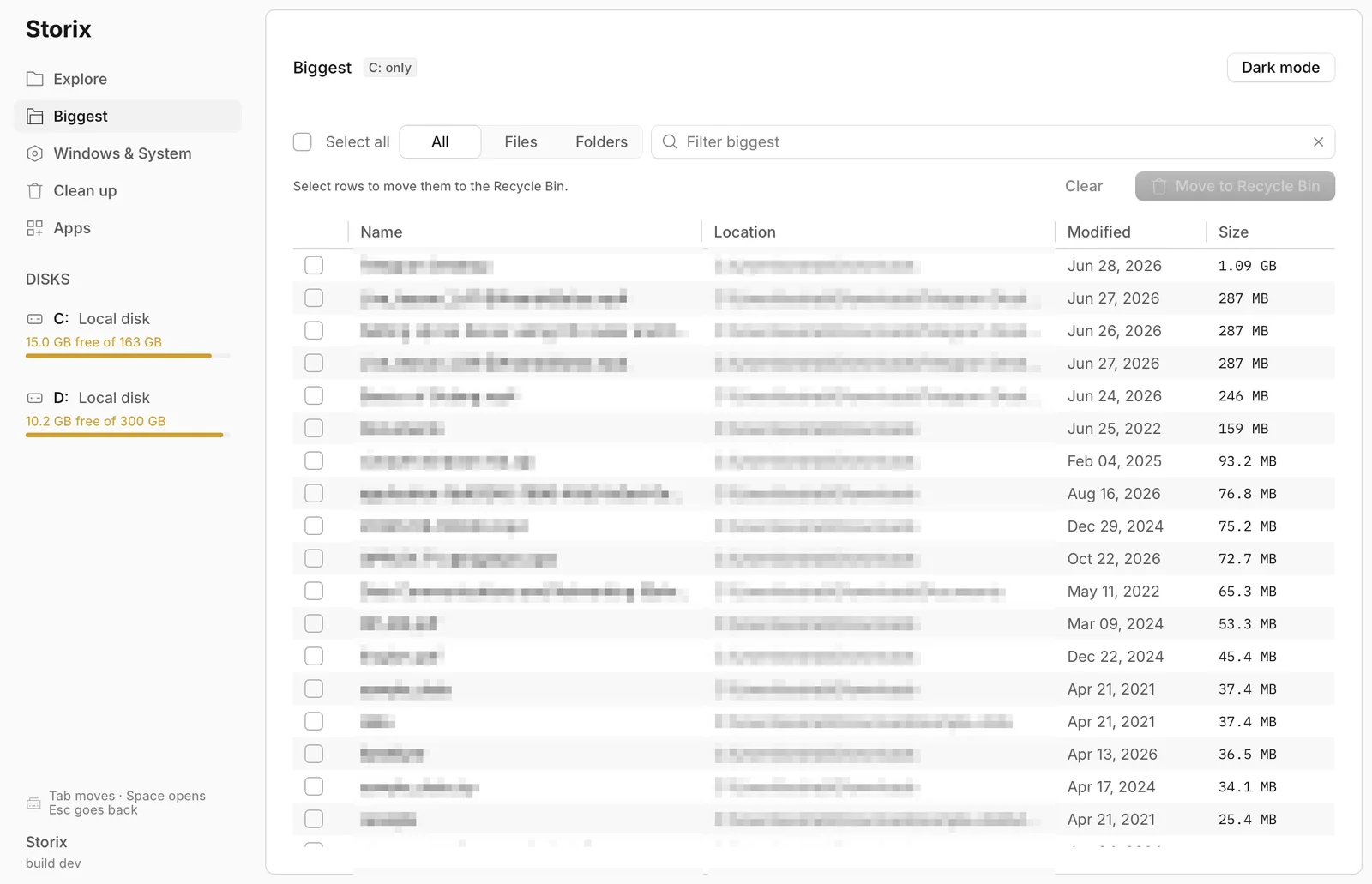
- Biggest Files and Folders: Flatten the current scan into a sortable table, filter between files and folders, multi-select rows, and move several large items to the Recycle Bin at once.
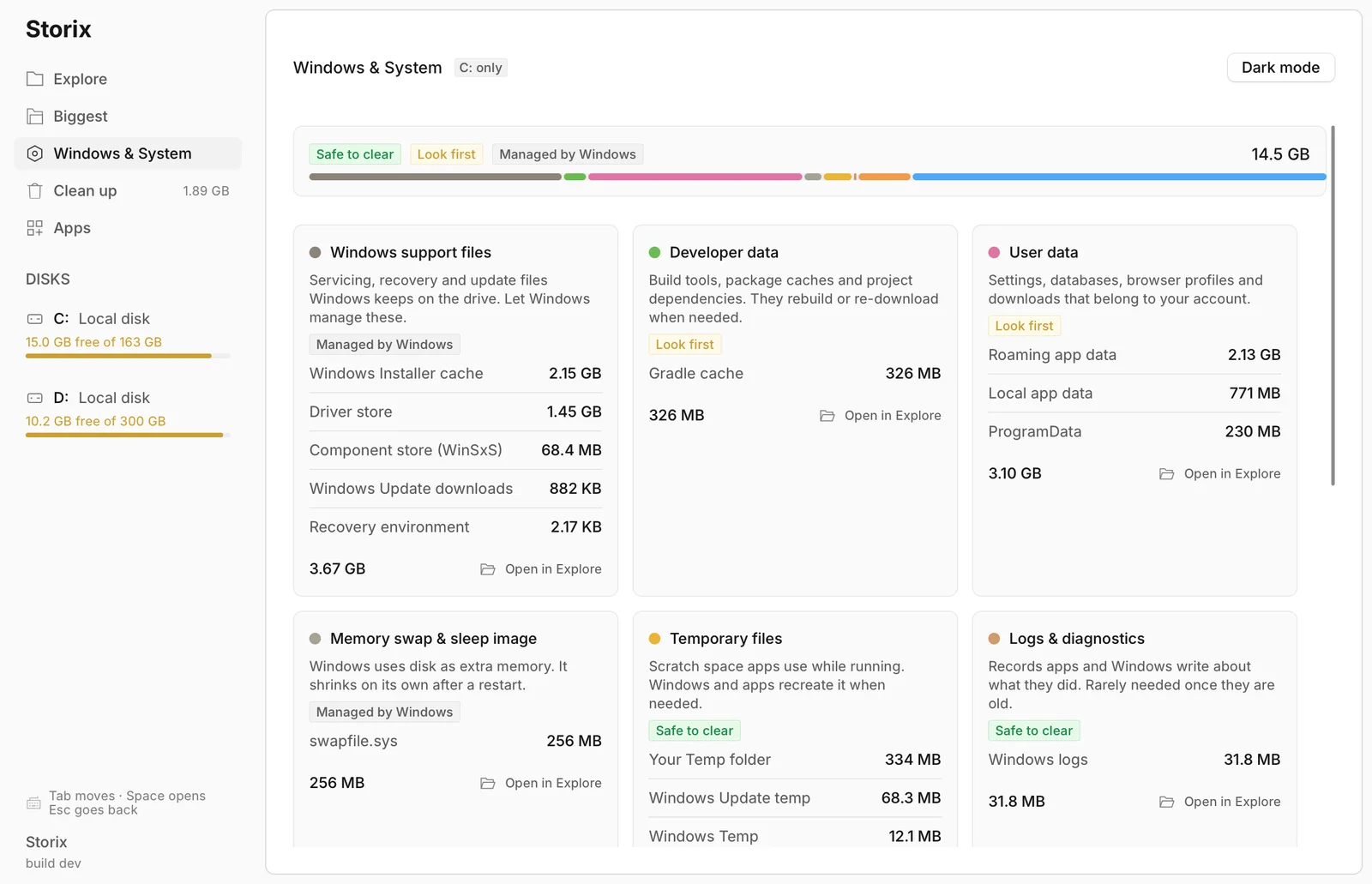
- Windows and System Breakdown: Review space used by Windows support files, developer caches, user data, temporary files, swap files, and diagnostics in expandable, safety-labelled cards.
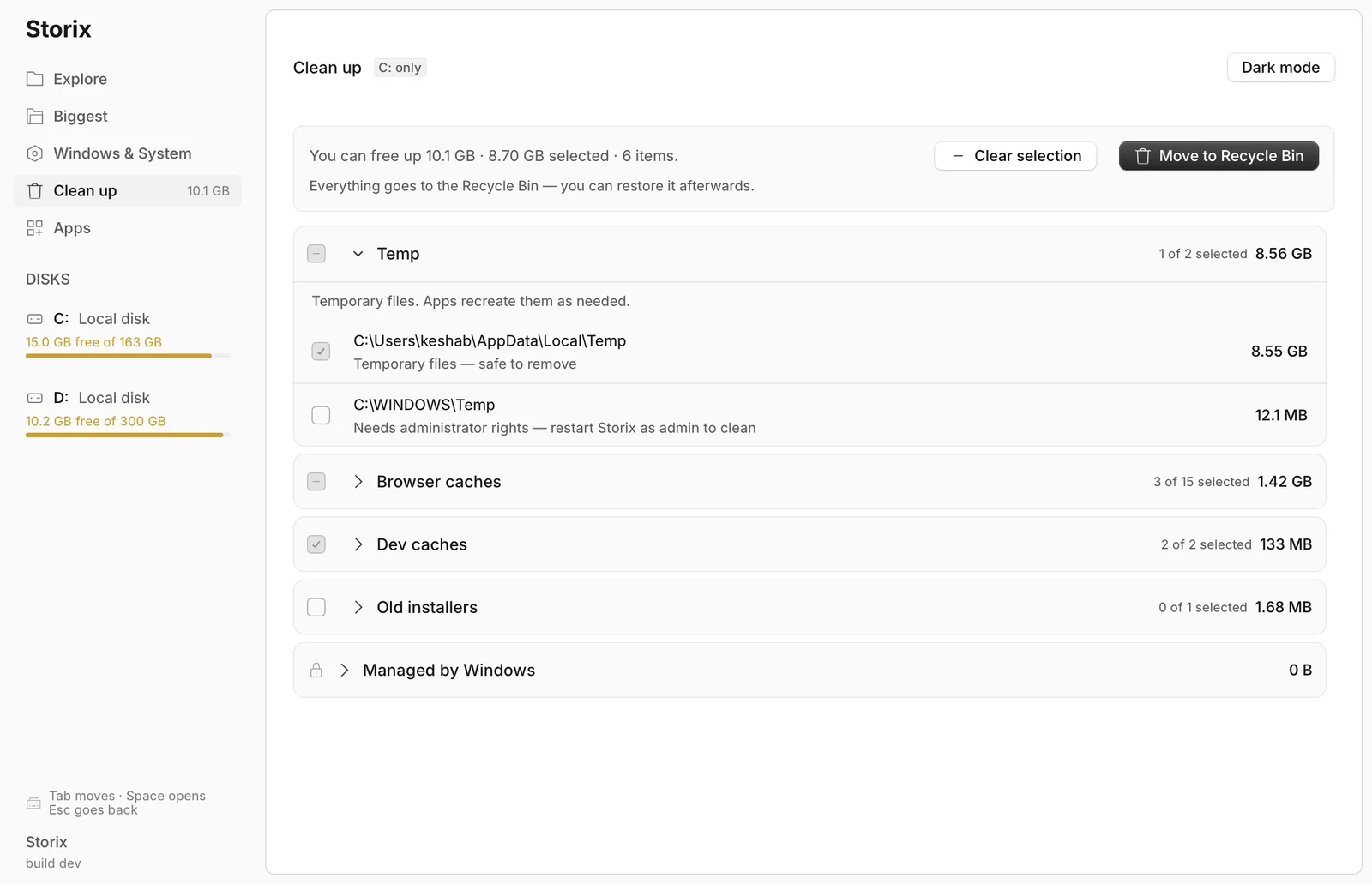
- Grouped Cleanup Recommendations: Turn scan results into reviewable groups for temporary files, browser caches, developer caches, and old installers, with safe items preselected and administrator-only items clearly marked.
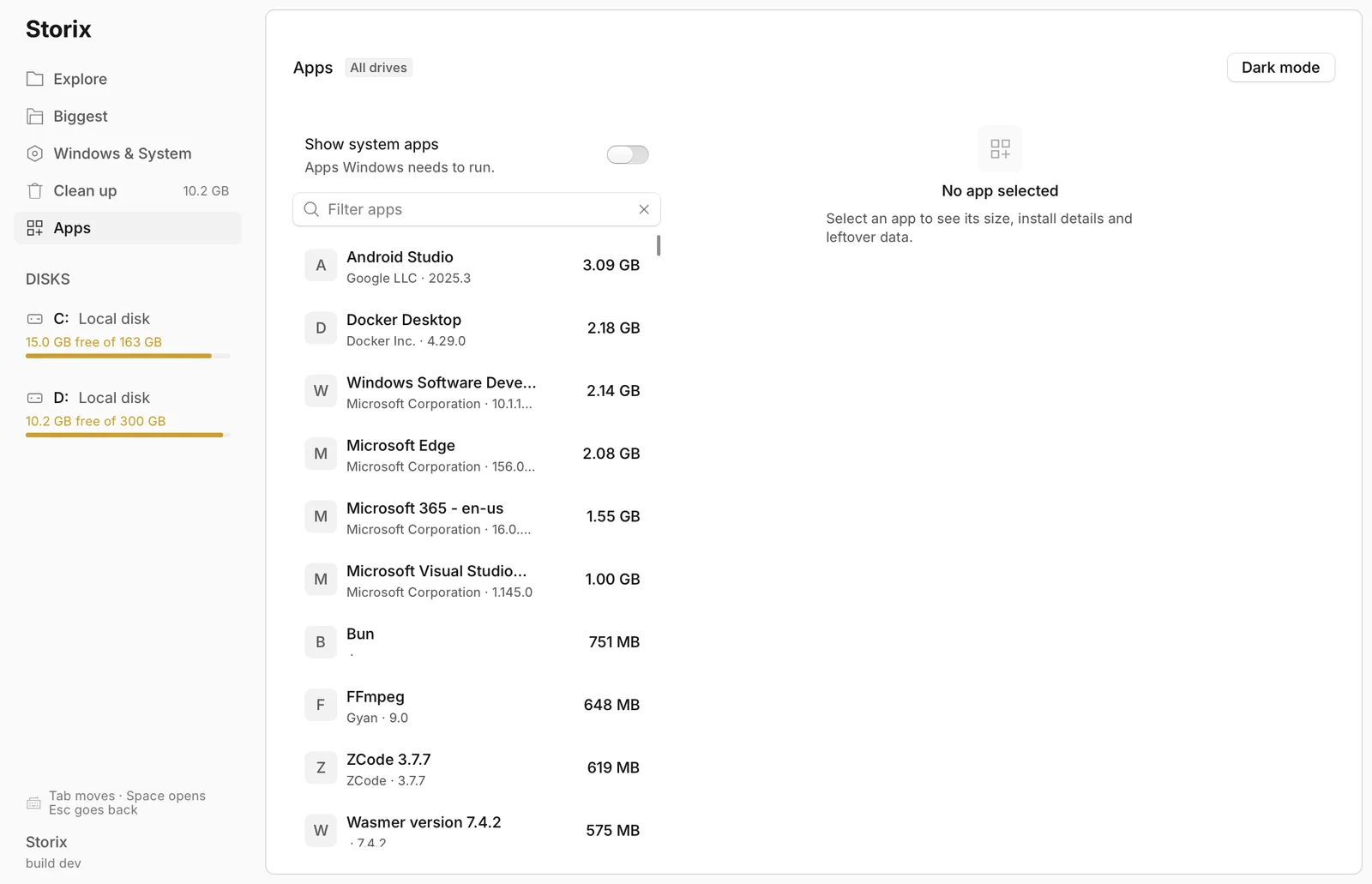
- Installed App Management: Discover applications from the Windows Registry, measure their disk usage, inspect install details and leftover data, reveal install locations, and launch uninstallers.
- Recycle Bin-First Safety: Prefer recoverable deletion instead of permanent removal, and warn before touching elevated or Windows-managed data.
- Responsive Background Scanning: Run scans and derived storage analysis on background threads with live progress and cancellation so the interface stays responsive.
- Native Windows Integration: Use Explorer reveal actions, drive information, Recycle Bin operations, application uninstallers, window icons, and Windows version resources without a browser runtime.
- Keyboard-Friendly Interface: Navigate with Tab, open with Space, go back with Escape, and switch between light and dark themes.
- Polished Desktop Packaging: Ship as a small native executable with an app icon, version metadata, and a per-user Inno Setup installer with Start Menu integration and a registered uninstaller.
screenshots